SmartWares products are reliable and affordable, and I own some of their IP cameras (CIP-37210AT).
However, it is not possible to download any firmware from Smartwares website, and Wayback Machine hasn’t archived any interesting stuff either.

So, in order to get our hands on the firmware, we have two ways: intercept network traffic by mitm-proxy the app request or hook the designated function via Frida.
By launching the application on rooted emulator, one of the first requests seems to really fit the bill.
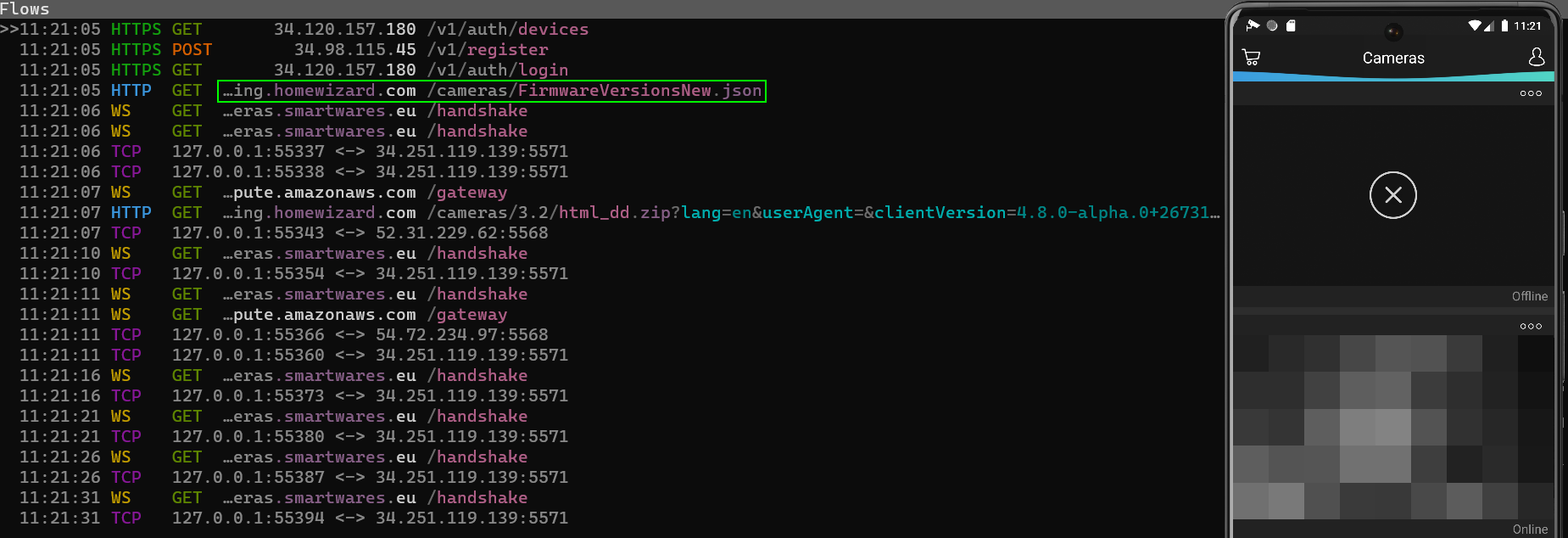
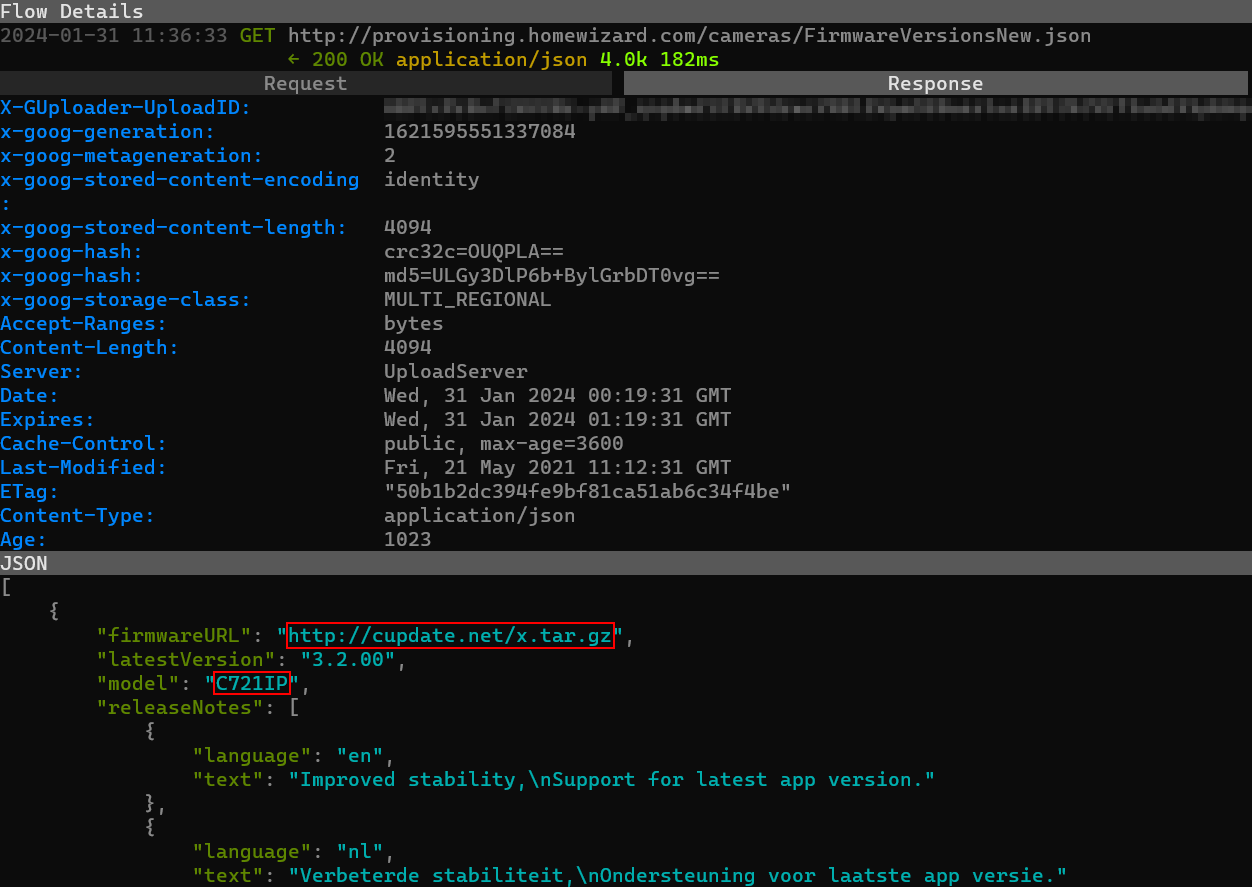
In fact, the response JSON provides the necessary URLs for downloading the latest firmware available (i.e., 3.2.0.0) for several camera models, including the CP721IP in question.
A quick look at the APK via JADX can also be convenient: searched for the firmware keyword, it’s not hard to find locate the designated function.
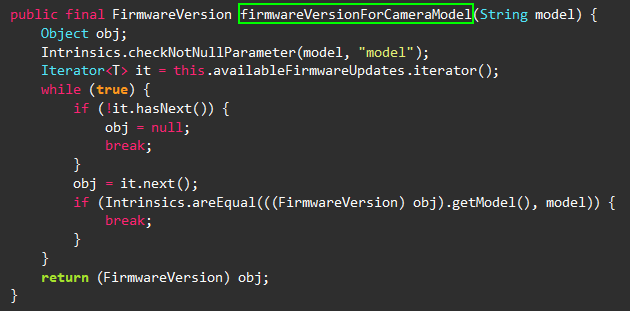
Let’s hook it with the following Frida rule.
1 | Java.perform(() => { |
Just to unsure https://cupdate.net/x.tar.gz is the correct URL for this IP-cam.
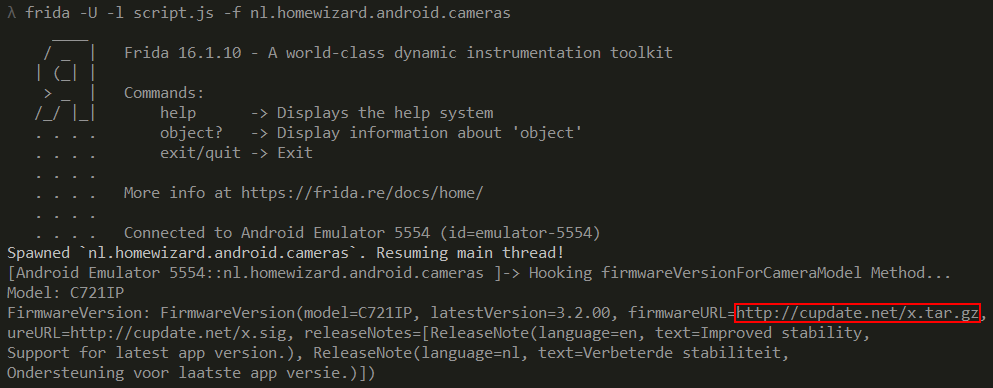
Untar the archive and it contains a single bash script called “update.sh”.
The interesting part for our purpose is the following.
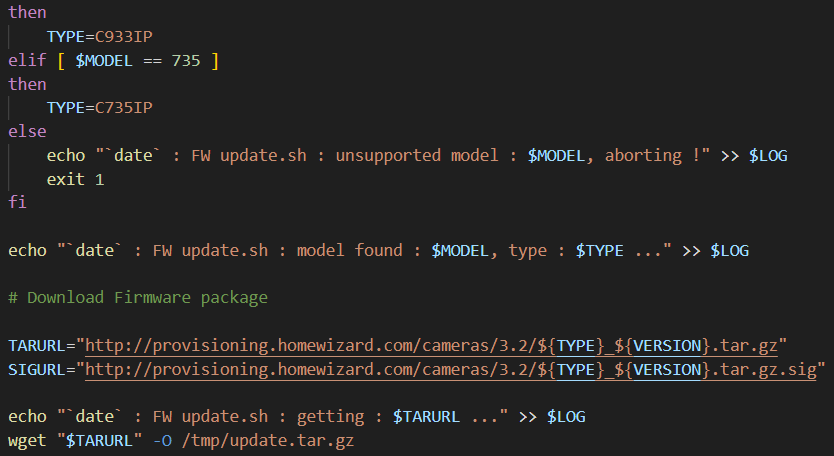
The variable $TAGURL holds the final URL and, for the CP721IP camera model, is build in this fashion.
1 | $TARURL="http://provisioning.homewizard.com/cameras/3.2/C721IP_3.2.00.tar.gz" |
The download archive “C721IP_3.2.00.tar.gz” contains the following files.
1 | ├── app |
A look at binwalk to confirm we are dealing with ELF file format.

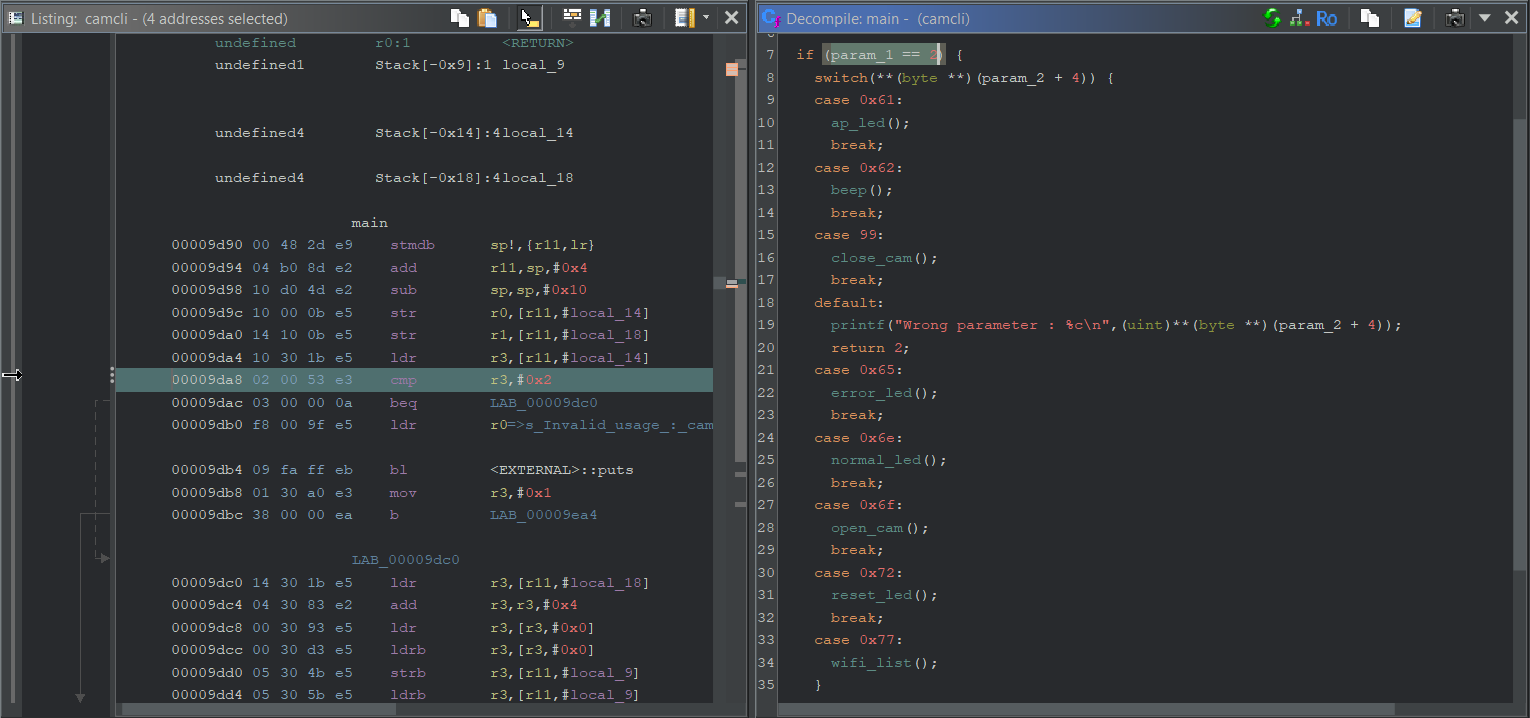
And now… the fun part with Ghidra starts!